
Hohem M5 Mobile Plus Smartphone Gimbal 3-Axis Stabilizer,
Original price was: $499.90.$399.90Current price is: $399.90.
20% Off
Out of stock
Description
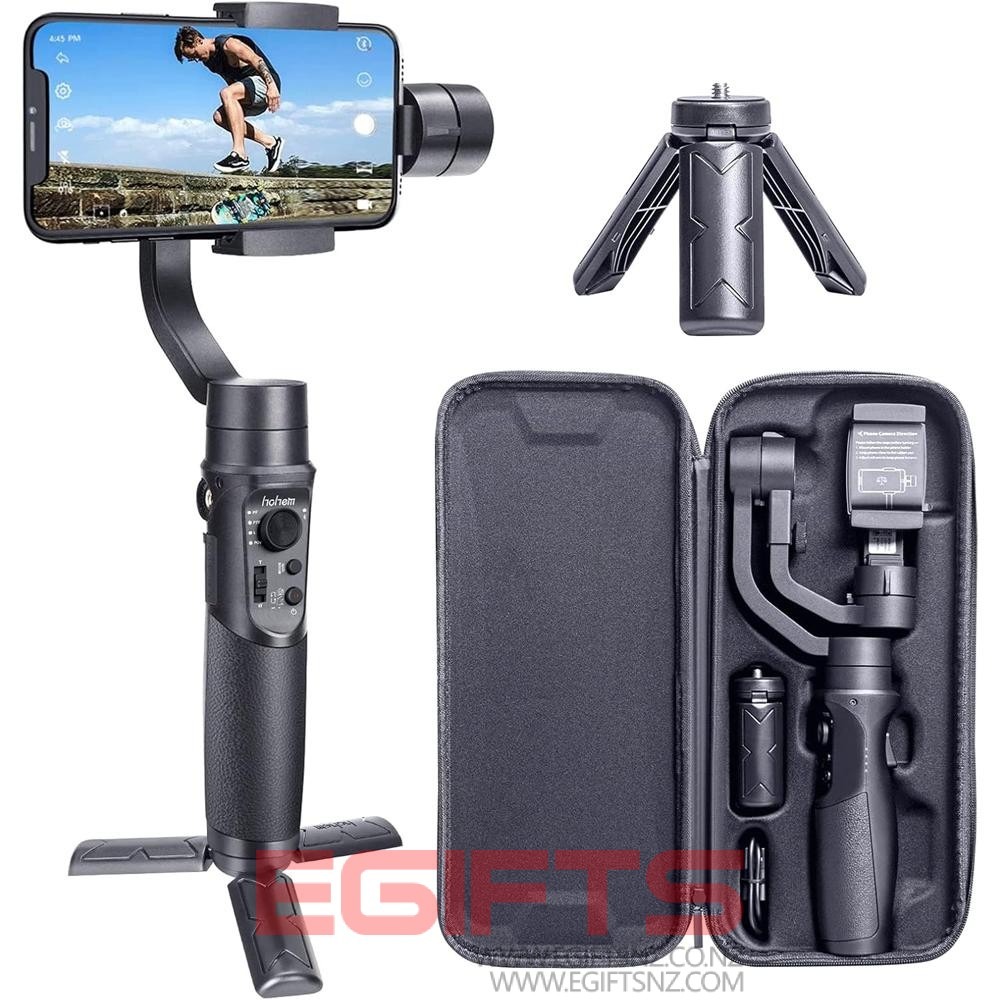
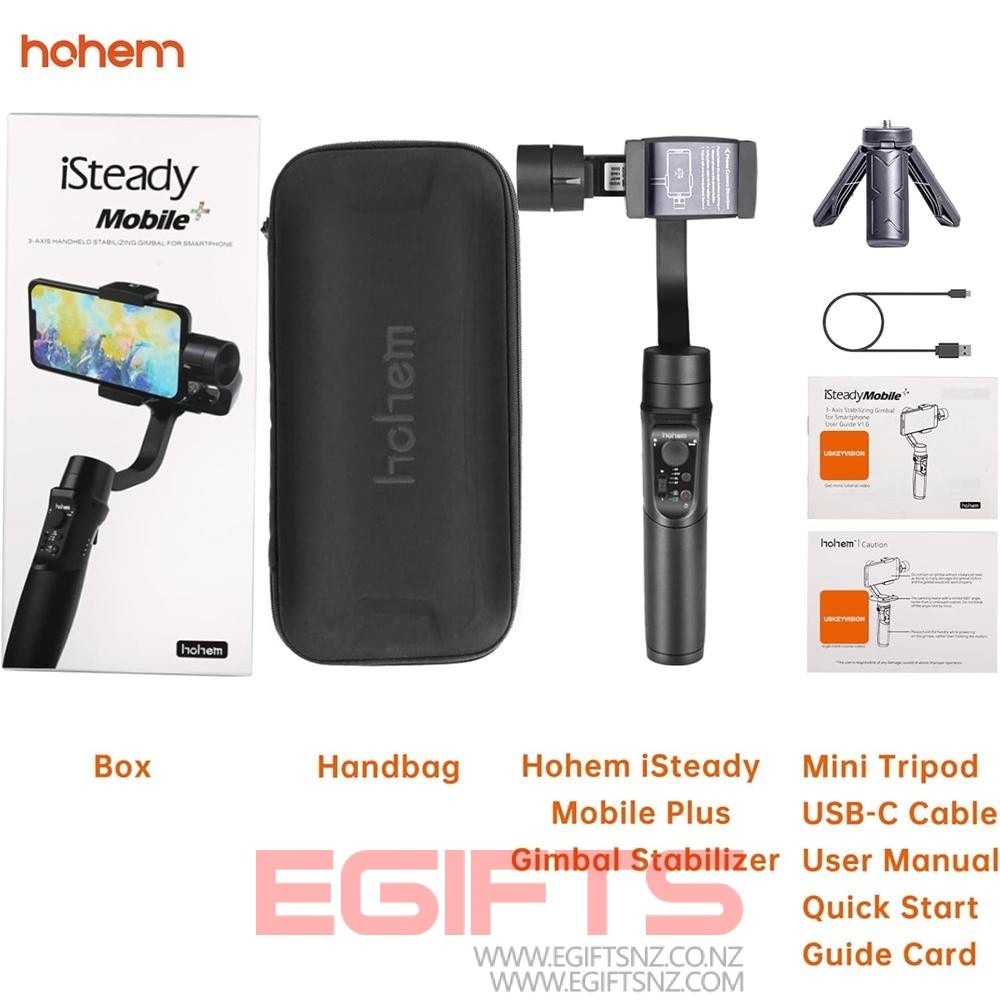
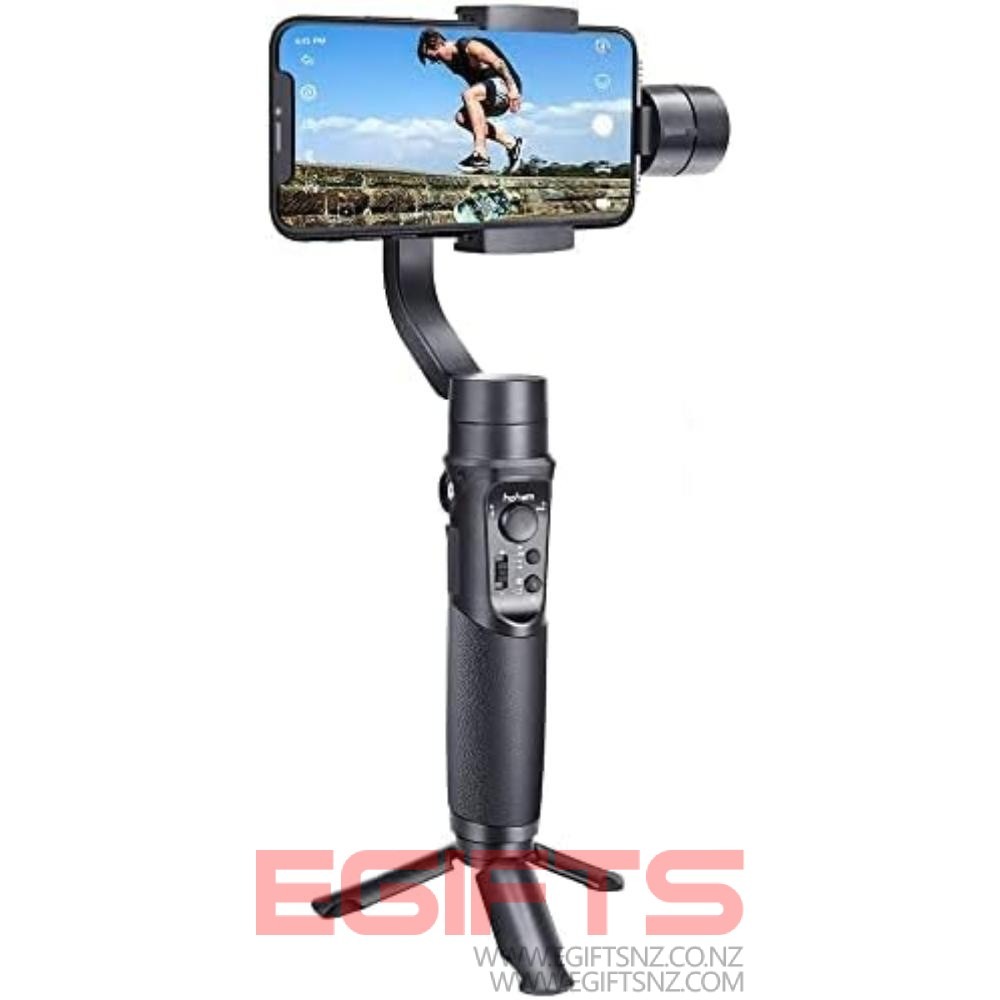
- Renewal 2023 Hohem iSteady Mobile Plus M5 Version 3-Axis Smartphone Gimbal Stabilizer for iPhone 13/12/11 The Hohem iSteady Mobile Plus 3-Axis Gimbal Stabilizer is designed for mobile phone films. Hohem iSteady Mobile Plus is fully compatible with iPhone 14/13/12/Pro/Mini/Pro Max. The Hohem Gimbal app allows you to perform facial tracking, object tracking, 3D start, motion lapse and more
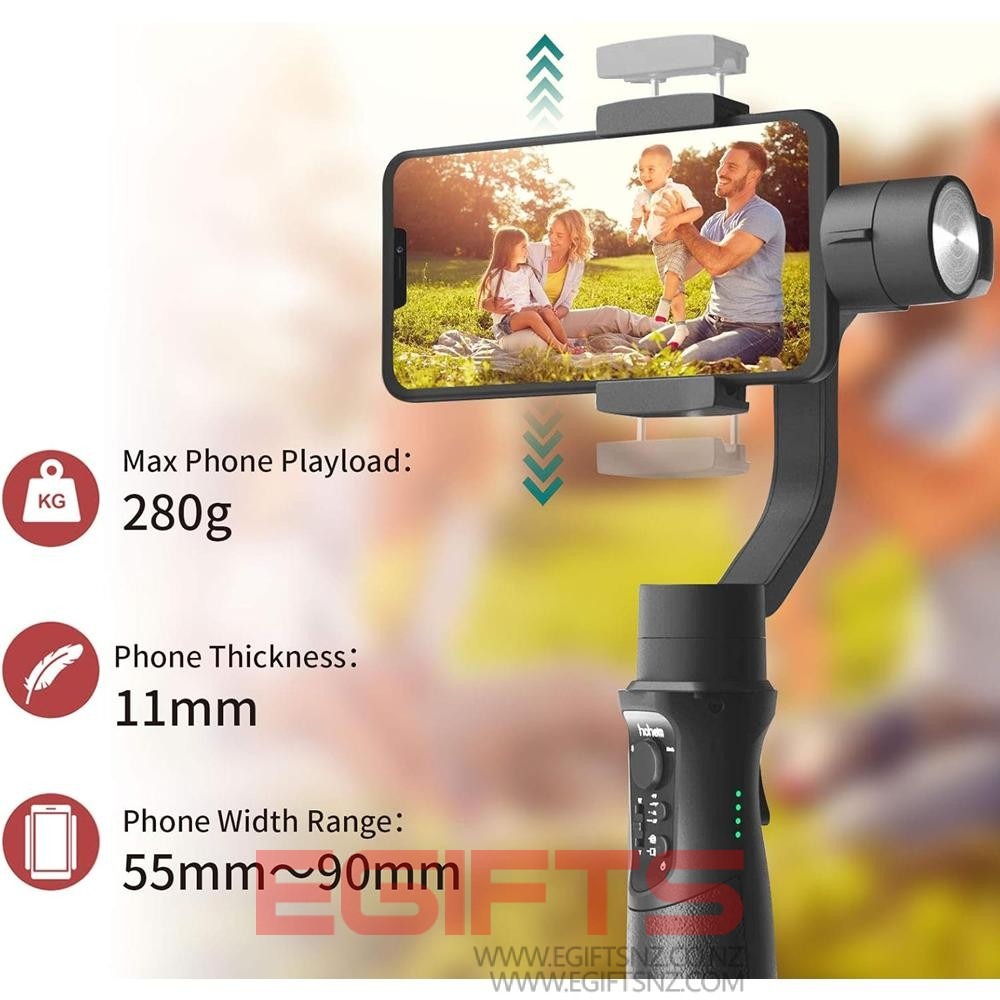
- You need to know Tips for Hohem iSteady Mobile+ Phone Gimbal. Compatible with iPhone 14/13/12/11 Pro/Mini/Pro/Max, you need to install the large screen smartphone with the leveling knob before turning on the power. The maximum playback load of your smartphone is up to 280 grams. Compatible with most smartphones under 2.3 to 3.5 inches in width and fits screen phones under 6.2 inches. Please take off the case before installing your phone to the gimbal
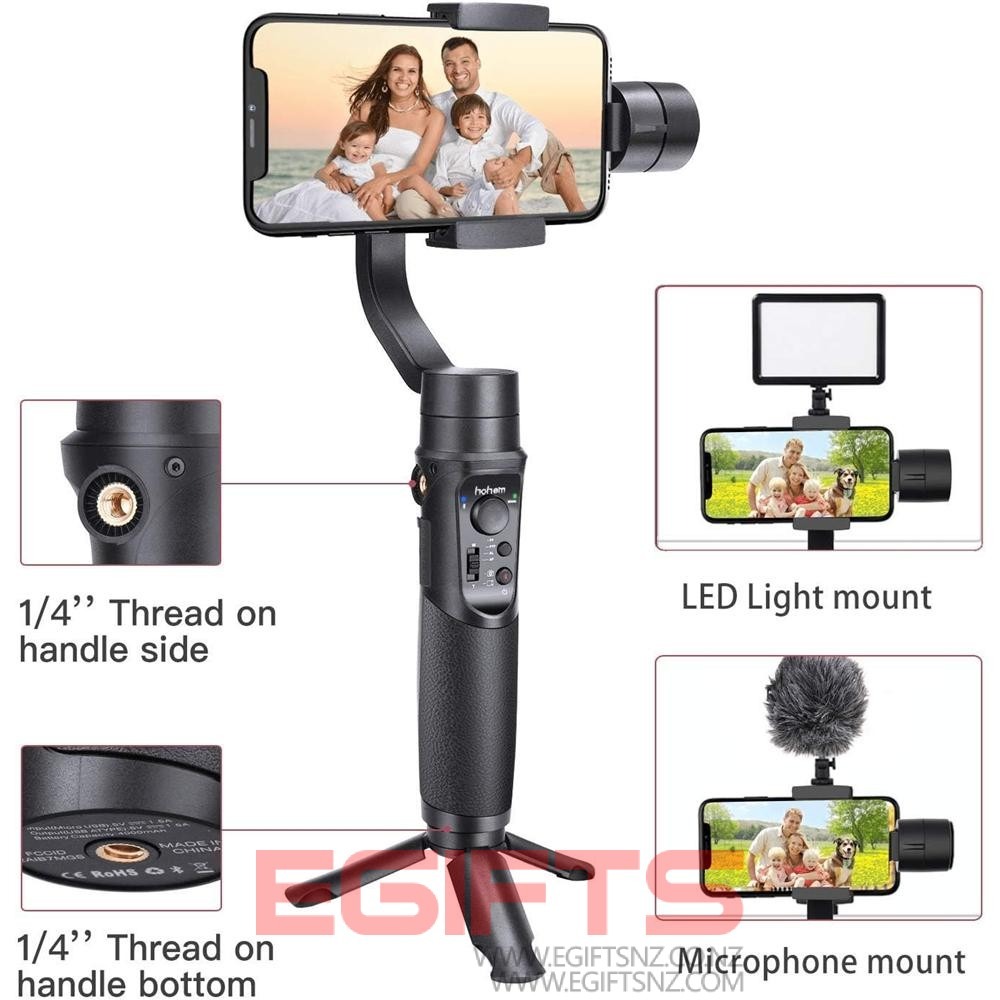
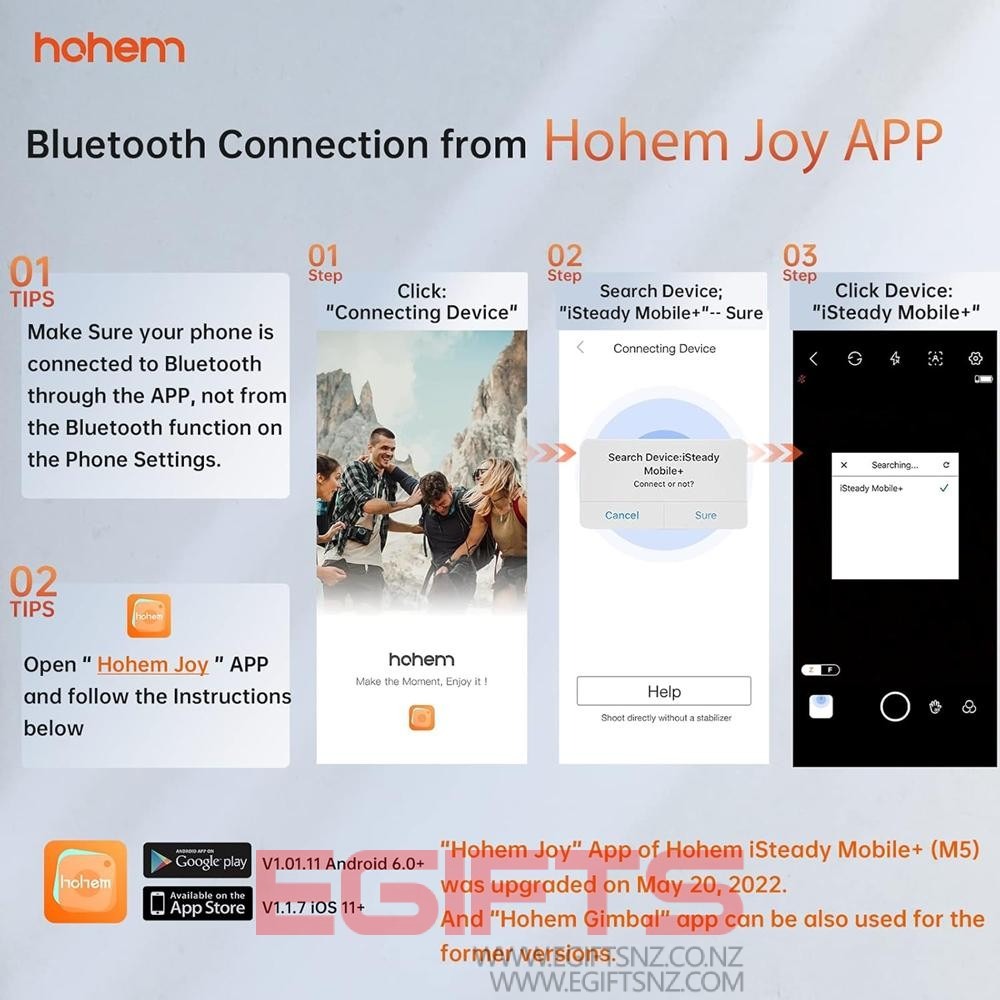
- 【INTUITIVE HOHEM JOY APP SPEED BLUETOOTH CONNECTIVATION】Download the Hohem gimbal app to Android or iOS smartphone for Bluetooth connection. Parameter settings and calibration help you master the gimbal better. Recenter and sport mode on the back for quick transition. Ergonomic handheld With three universal 1/4-20 threads, you can mount more photo accessories, microphones, video lights and tripods
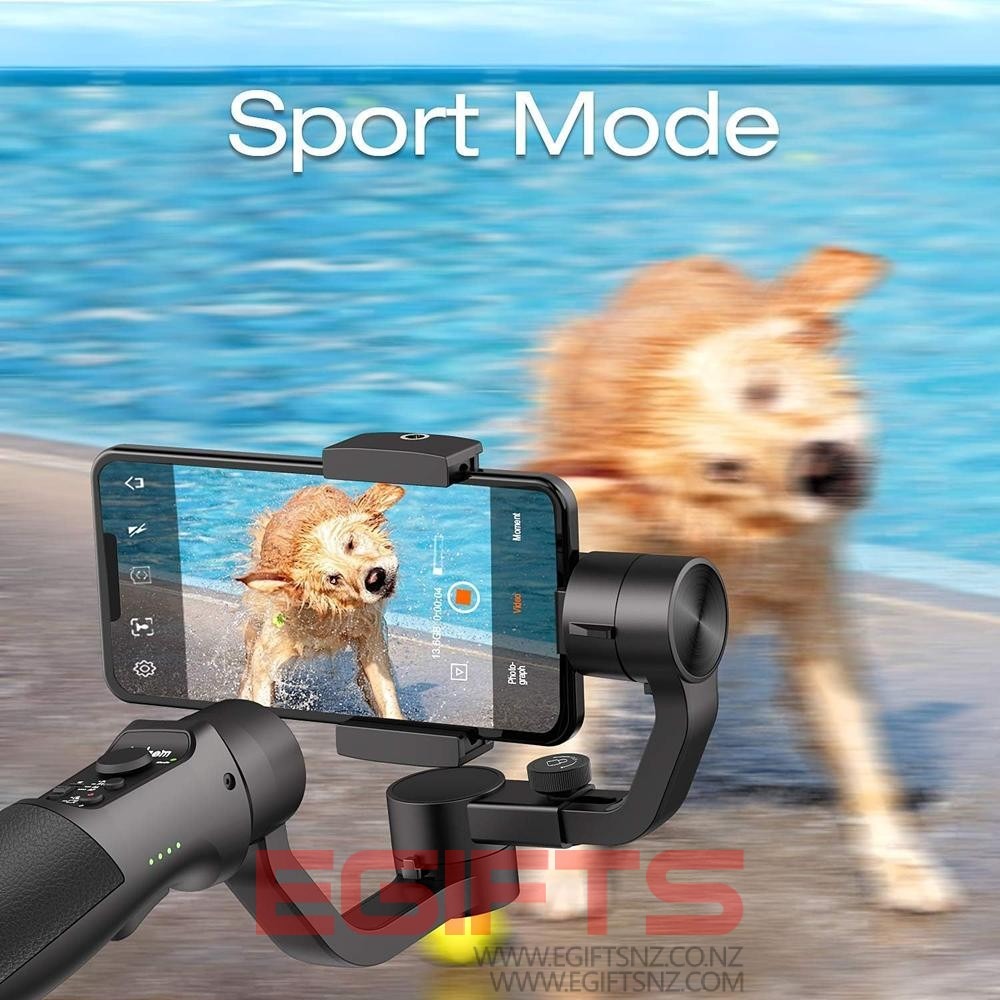
- Sport mode and phone video stabilization system have been updated. With an upgraded iSteady 7.0 stabilization system, Hohem Cell Phone Gimble Stabilizer transforms jagging and unstable footage into a more horizontal and smooth professional footage. Sport mode with one tap trigger button can stabilize video shooting at the same time in sports and outdoor environments. Tips for Android Users. If you have trouble downloading the app, please contact USKEYVISION
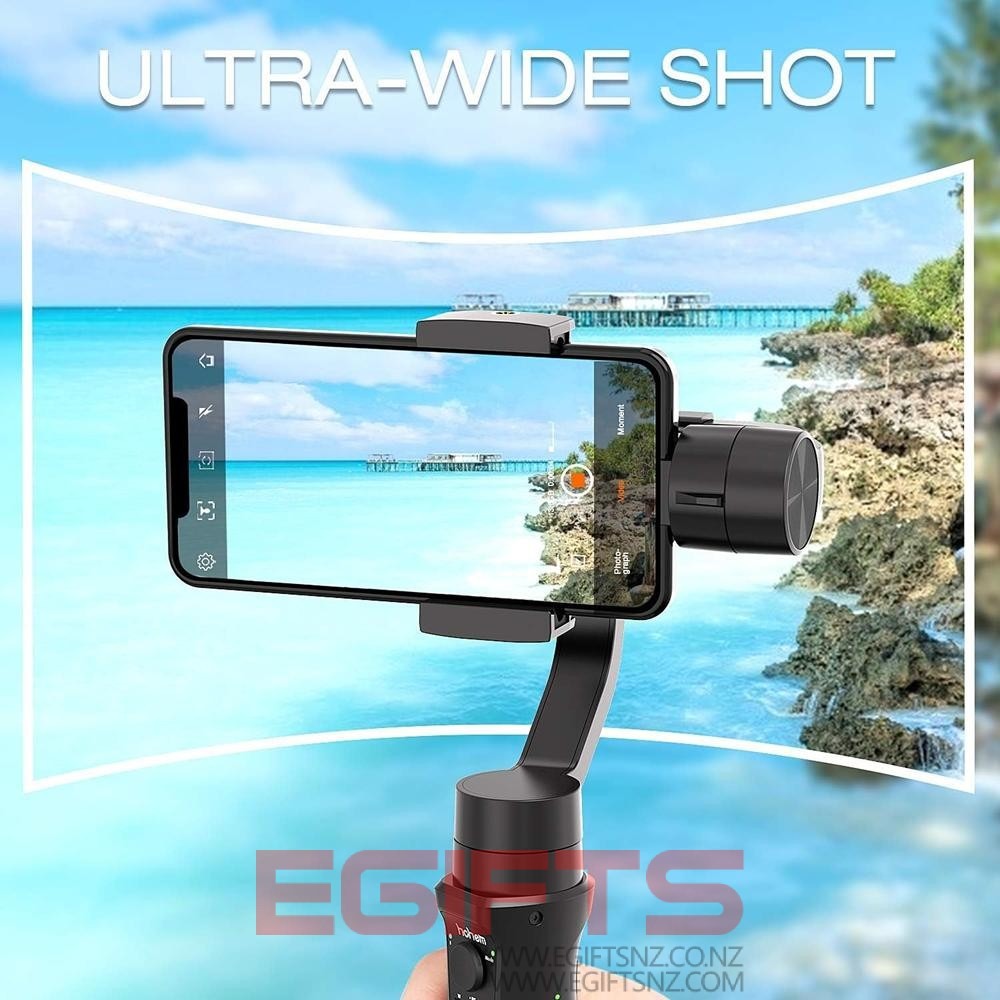
- Perfect for TikToker Vlogger and Youtuber. Film like a pro. You can also customize EV, ISO, shutter speed and white balance with the powerful Hohem gimbal app. Support 180/360° wide angle panoramic shooting mode. Motion time lapse, slow motion recording, beauty retouching, 360° panorama, face/object tracking, changing pan modes are all done in the Hohem Gimbal app available on the App Store
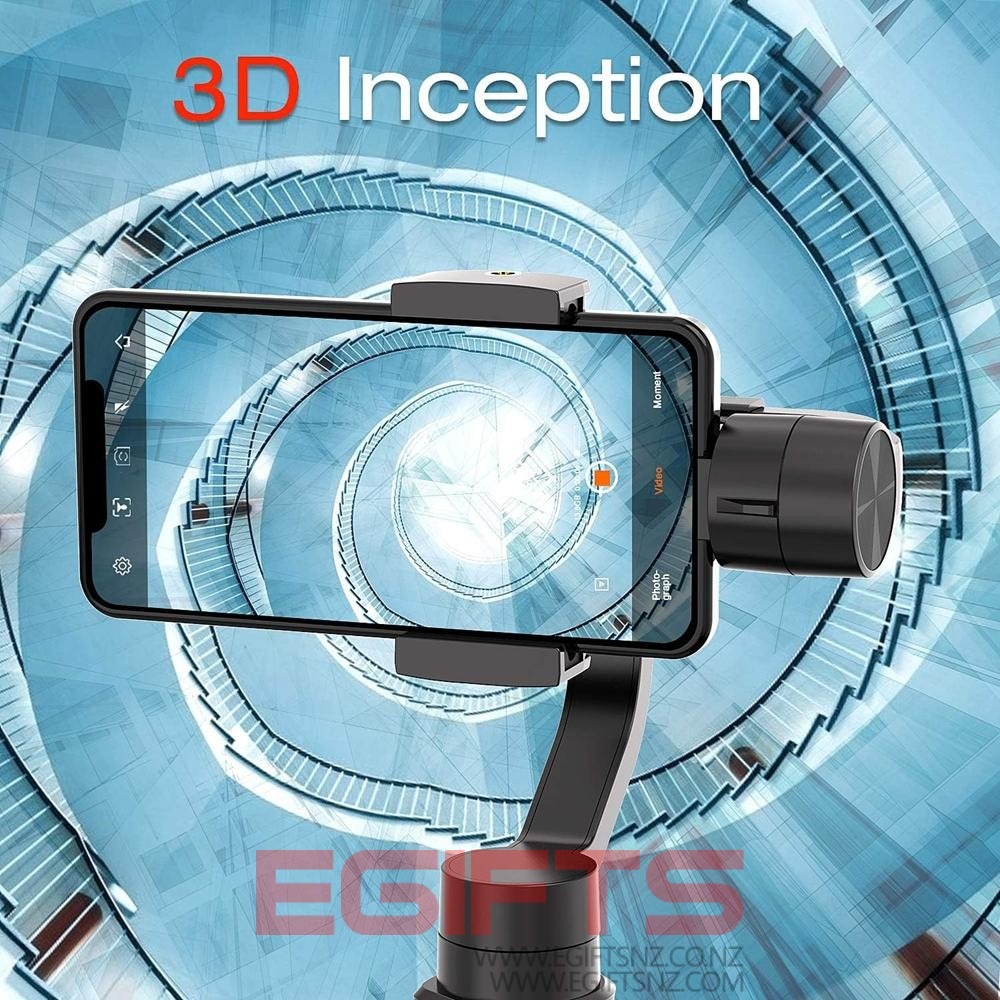
- [3D 600 Degree Inception Mode] In 600 degree roll inception mode, you can get amazing 600 degree panrotation with inception mode. Sport Mode: You can use the sport mode with just one tap of the trigger button to quickly transfer scenes. Recenter Mode: Just tap the trigger button twice and the gimbal can return to its initial position without limitation
- You need to level and balance the gimbal Do not turn on the gimbal while the phone is not installed. Please remove the phone case first. (1) Press and open the phone holder clip and insert your smartphone (2) Take the home button side as close as possible to the tilt motor. (3) Rotate the roll axis up and down to adjust the balance of your smartphone with the balance knob and (4) Turn on the gimbal
- Bluetooth connection instructions (1) Make sure the Bluetooth is turned on and not connected to other devices (if any, please disconnect from the phone setting first). (2) Open the Hohem gimbal app and click “Connect Device” In the app’s stabilizer model selection interface, manually select the corresponding stabilizer model and click to connect the device. (3) If you have tried Operation 1 & 2 but can’t connect it, turn off Bluetooth, redownload the app, and repeat operation
Related products
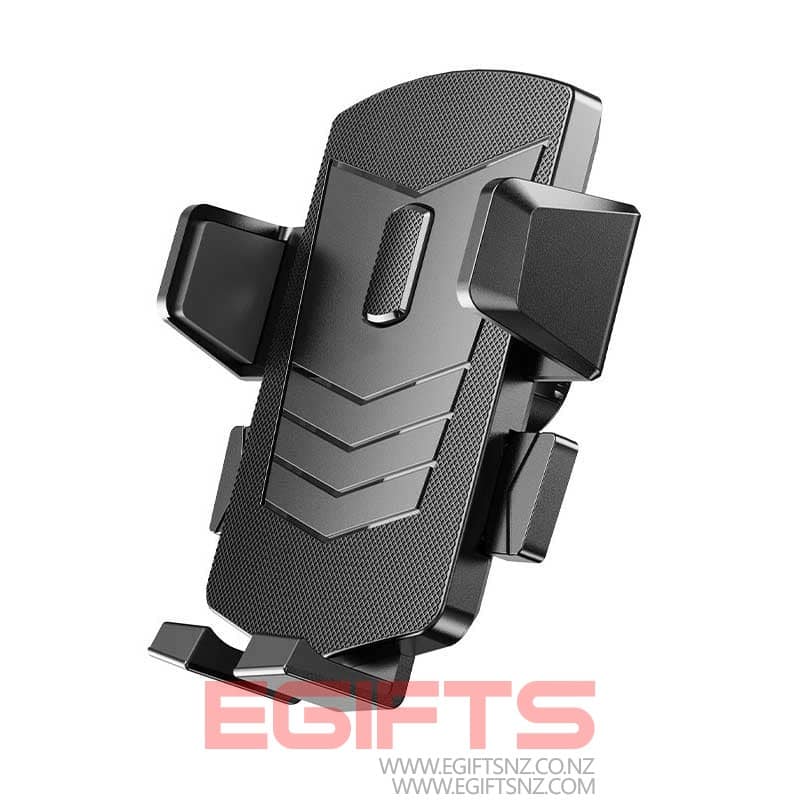
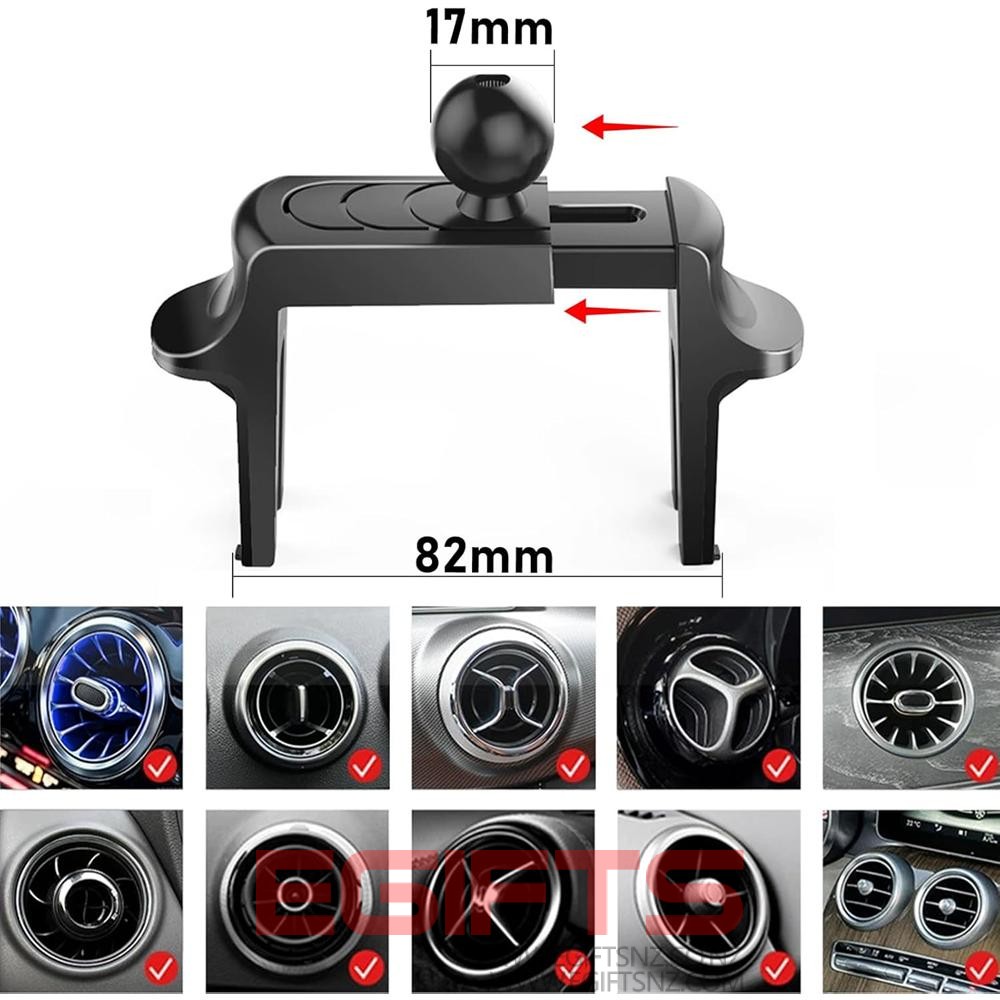
Round Air vent Car Holder 17mm Joint Ball Head Replacement
$18.00
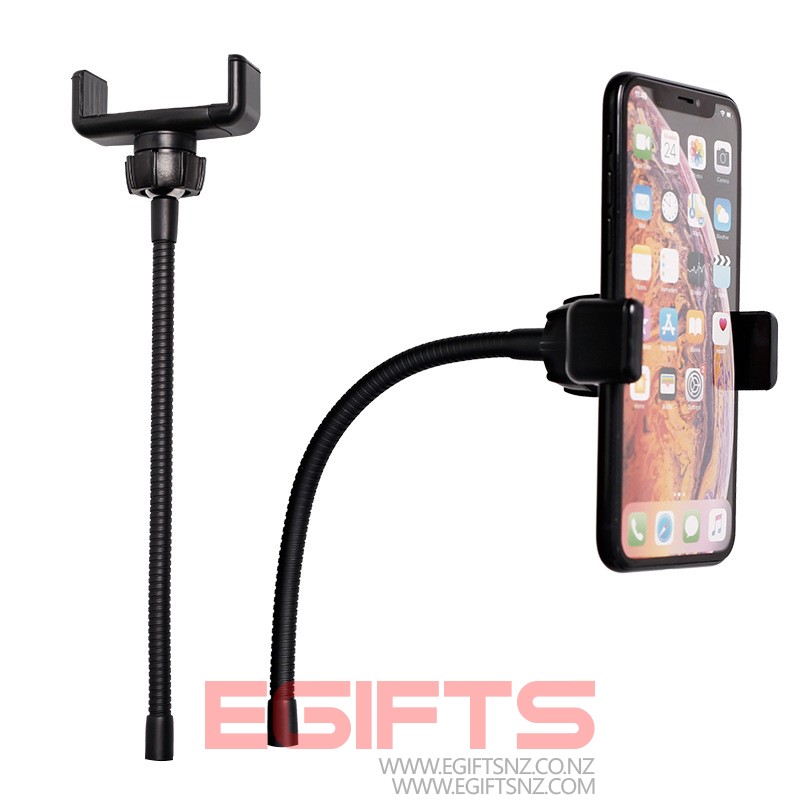
Phone Holder Long Neck 1/4 Female Screw Replacement
$18.00
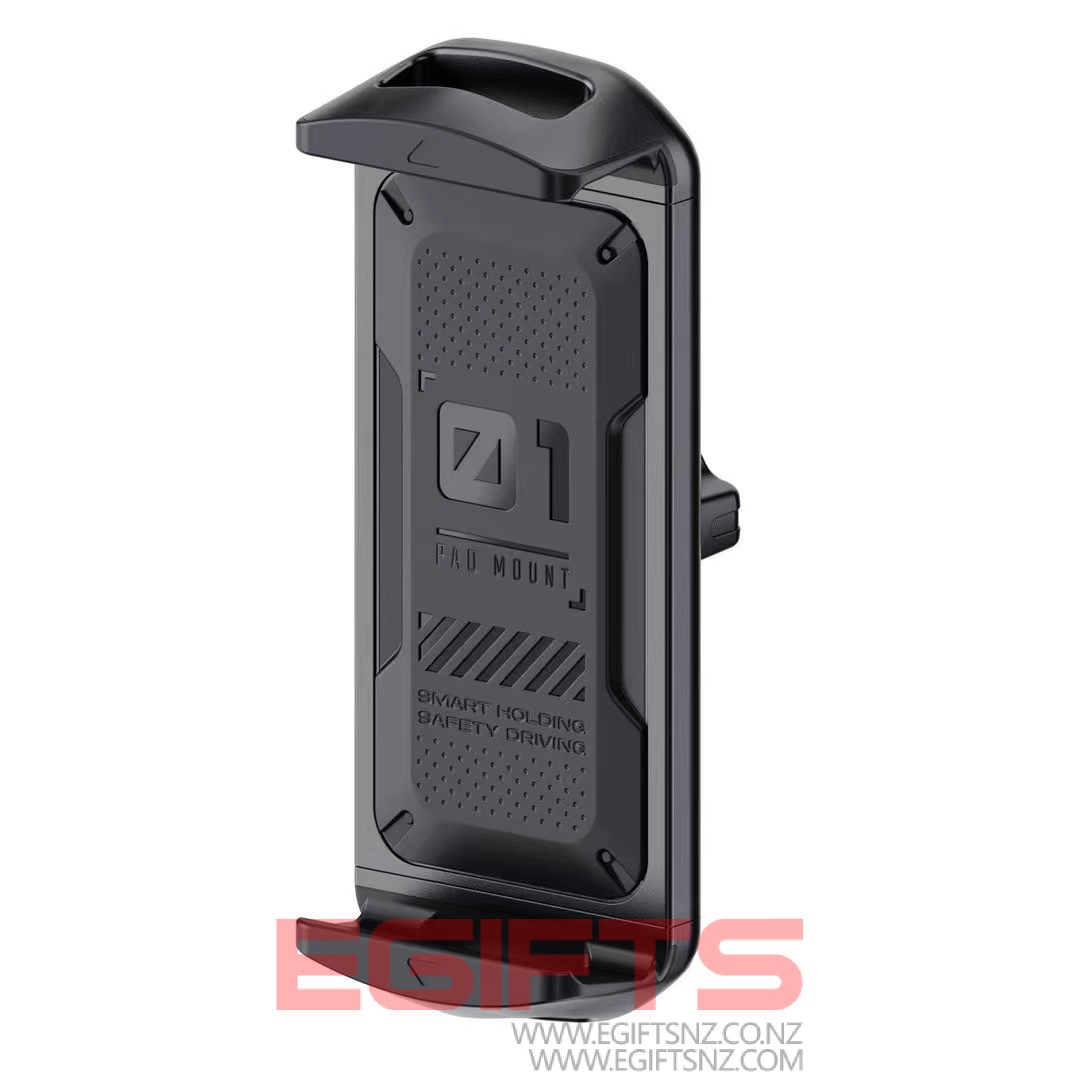
4.7-13 INCHES Tablet Clip Holder Replacement
$20.00

Free Shipping Above $20

Options You Have

Open 7 Days A Week