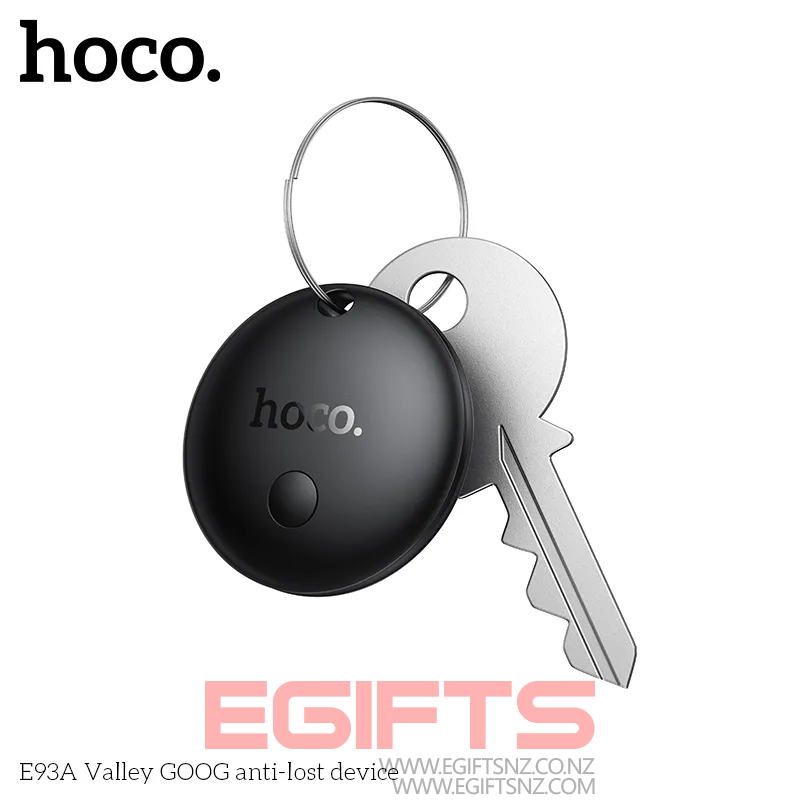
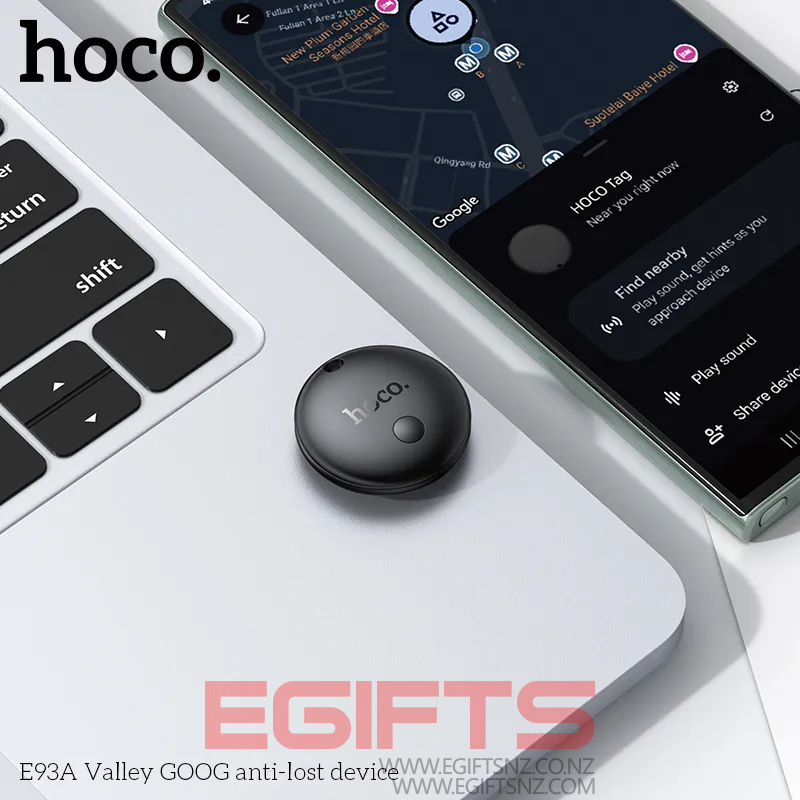
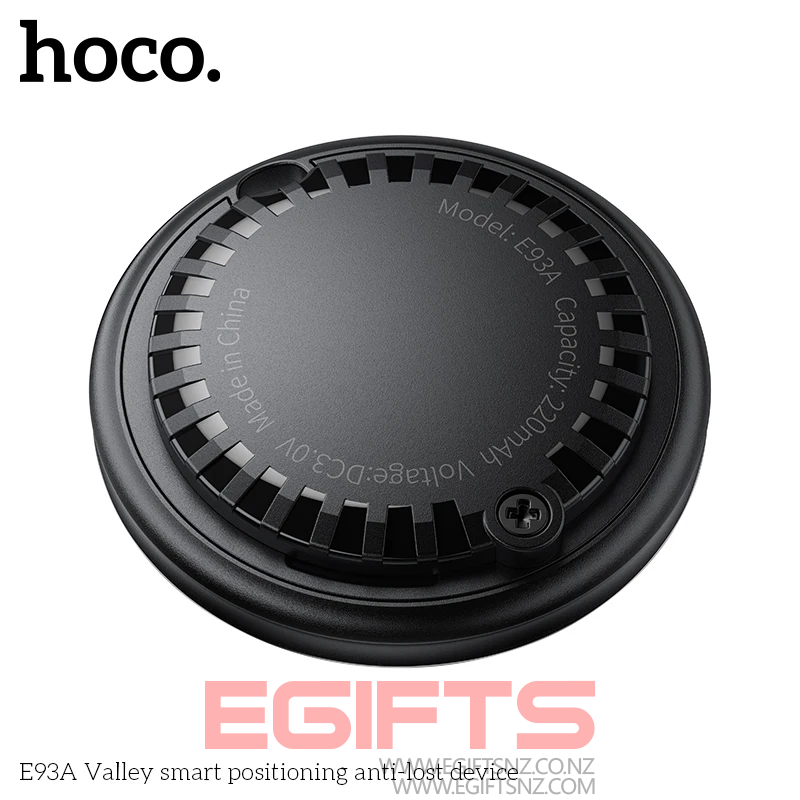
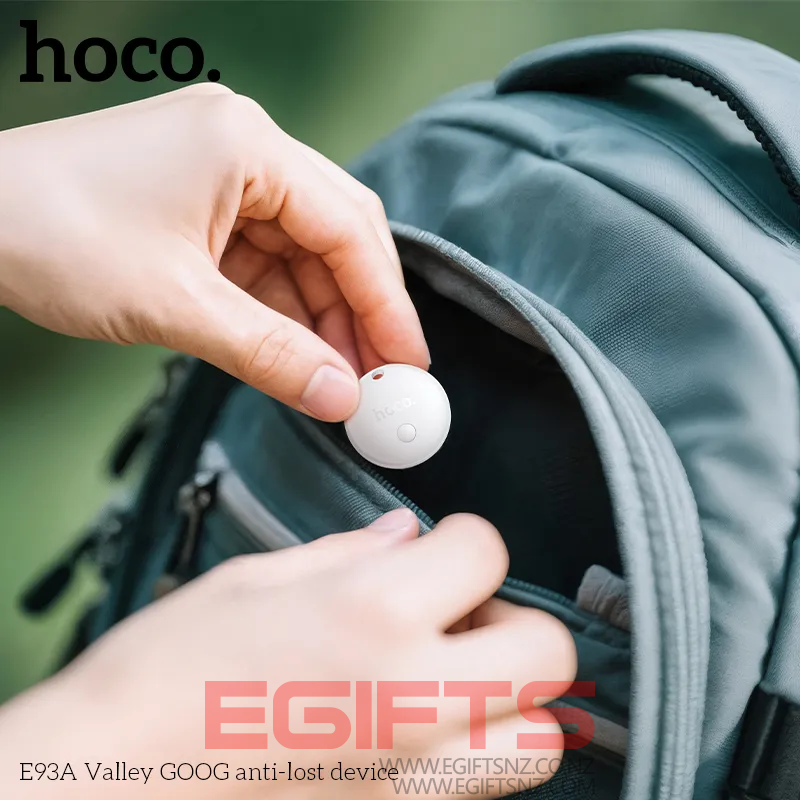
Android Find Tracker HOCO E93A
Original price was: $39.90.$29.90Current price is: $29.90.
25% Off
In stock
Description
Hoco E93A Location Tag/Tracker for Android – GPS Location Tag
The Hoco E93A Location Tag/Smart Tracker is a compact Bluetooth-enabled device that works seamlessly with the Google Find My Device network, allowing you to track and locate your valuables—keys, wallets, bags, pets, and more—with pinpoint accuracy. Designed for Android devices with Google Play Store access, it ensures peace of mind with reliable, real-time tracking. Hoco E93A Location Tag/Tracker
 Note: Not supported in Mainland China, North Korea, Cuba, Iran, Russia, and Ukraine.
Key Features
- Google Find My Device Support – Global and reliable location tracking
- Ultra-Lightweight & Compact – 32×32×7mm, only 7.5g
- Durable Build – High-quality ABS plastic material
- Replaceable Battery – CR2032 button cell (210mAh) lasting 6–8 months
- Wide Android Compatibility – Works with 90%+ of Android 9+ devices with Google Play Store access
Specifications
- Material: ABS
- Dimensions: 32 × 32 × 7 mm
- Weight: 7.5g
- Battery: CR2032 coin cell, 210mAh
- Battery Life: 6–8 months
- Supported Devices: Android phones with Google Play Store (except restricted regions)
- Color: Black
Hoco E93A Location Tag/Tracker Perfect For Tracking
- Keys
- Wallets
- Backpacks
- Luggage
- Pet Collars
- Laptop Bags
Package Contents
- 1 × Hoco E93A Busca O Tag Smart Tracker
- 1 × Pre-installed CR2032 battery
- 1 × Multilingual User Manual
How to Set Up Your Hoco E93A Smart Tracker
- Check Compatibility
Ensure your Android phone (Android 9 or above) supports Google Play Store and Google Find My Device network. - Download the App
- Go to Google Play Store.
- Search for Find My Device.
- Download and install the app.
- Pair Your Tracker
- Enable Bluetooth on your phone.
- Open the Find My Device app.
- Press and hold the tracker button until it enters pairing mode.
- Follow on-screen instructions to link the tracker to your Google account.
- Test the Connection
- Use the app to locate your tracker.
- Test the sound alert function to ensure it works.
- Attach & Use
- Attach the tracker to your keychain, bag, or any valuable item.
- Track via the app whenever needed.
Related products
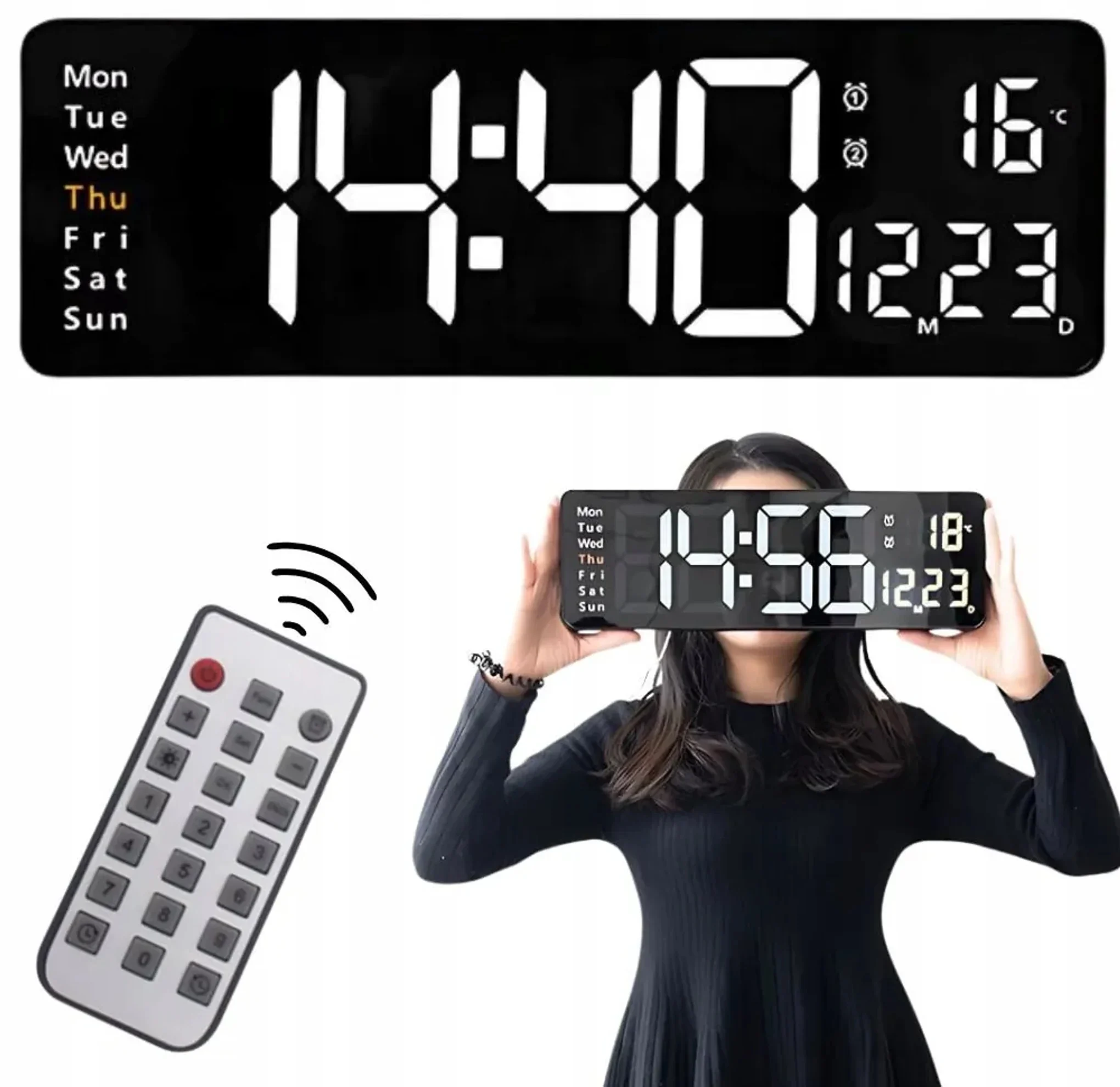
Large Digital Wall Clock with Remote Control 16 inches
$69.90
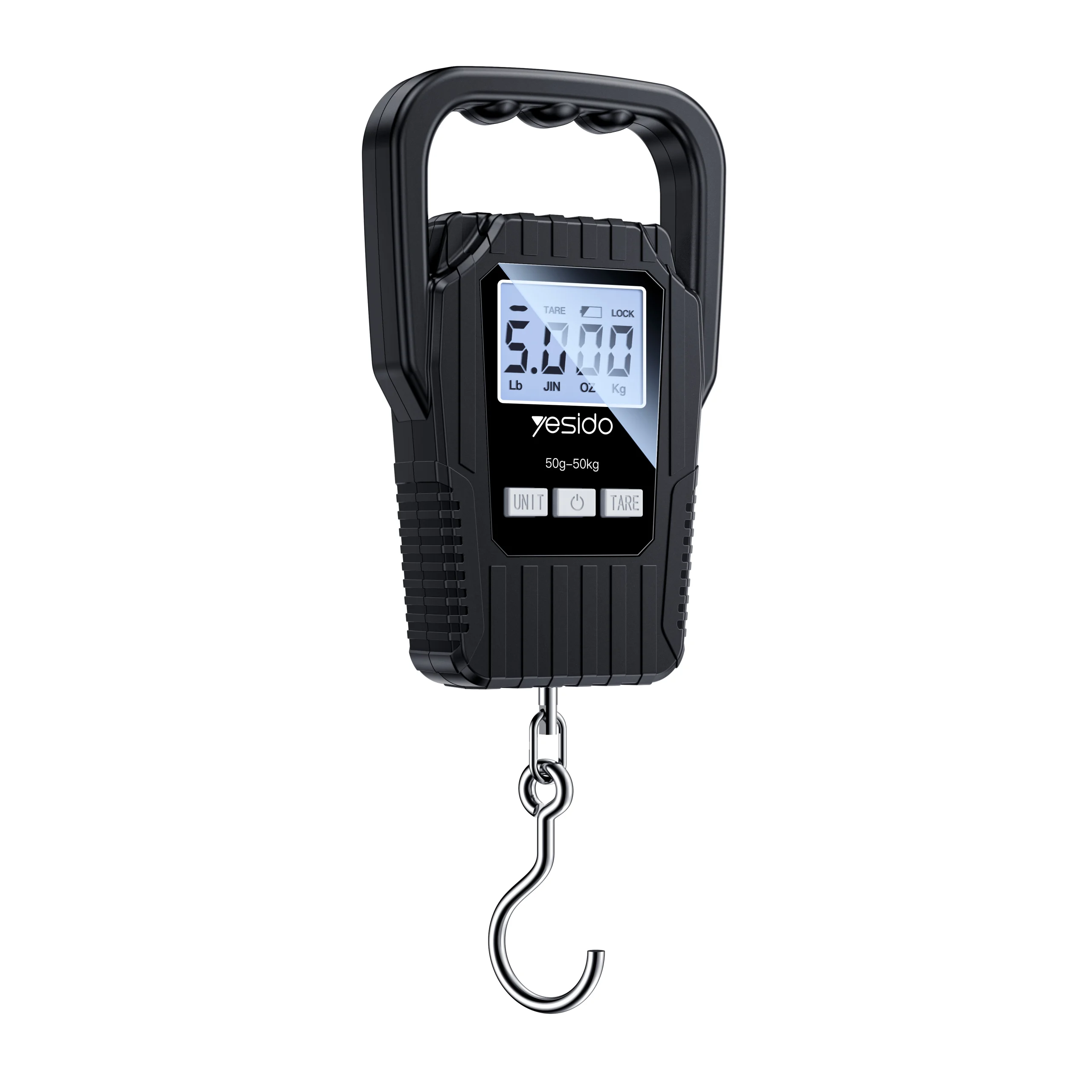
Yesido MG44 Portable Digital Luggage Scale (50KG)
$19.90
Alloy Ball Head Mount Adapter 17mm to 1/4 Screw Female
$16.90
Free Shipping Above $20

Options You Have

Open 7 Days A Week