Cracked screens are one of the most common and frustrating issues for smartphone users in New Zealand, often striking at the worst possible moment. If you need to fix your phone screen in 2025, you want reliable advice and up-to-date solutions.
This guide will walk you through how to assess screen damage, explore both DIY and professional repair options, and understand the latest tools and technologies. You will also get clear information on costs, risks, and smart prevention strategies. Take control of your device’s health with practical, step-by-step advice designed for Kiwi users.
Understanding Phone Screen Damage: Types and Severity
Cracked screens are a challenge many New Zealanders face, but not all damage is created equal. To fix your phone screen effectively, it is crucial to understand the different types and the severity of the issue. This knowledge helps you make smart decisions about repairs and device care.
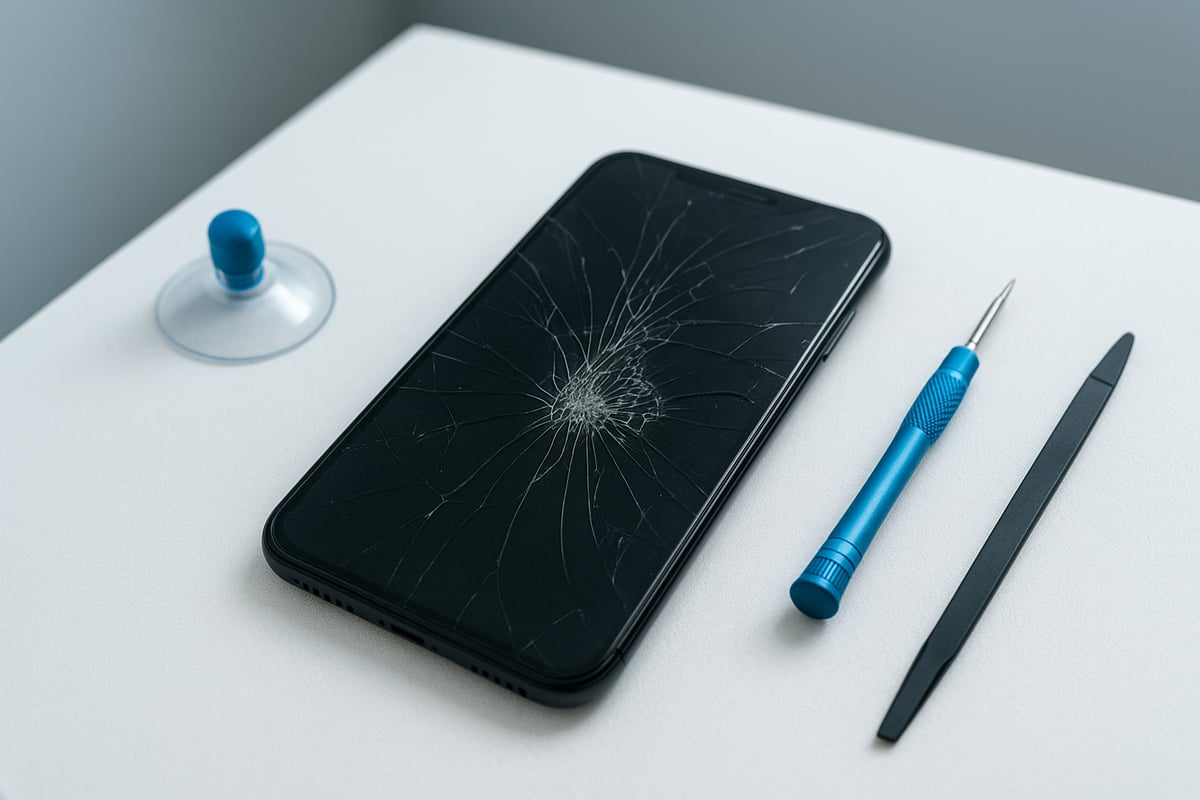
Common Types of Phone Screen Damage
When you need to fix your phone screen, it is important to identify the exact issue. The most frequent types of damage include:
- Hairline cracks: Thin lines that may appear harmless but can spread over time.
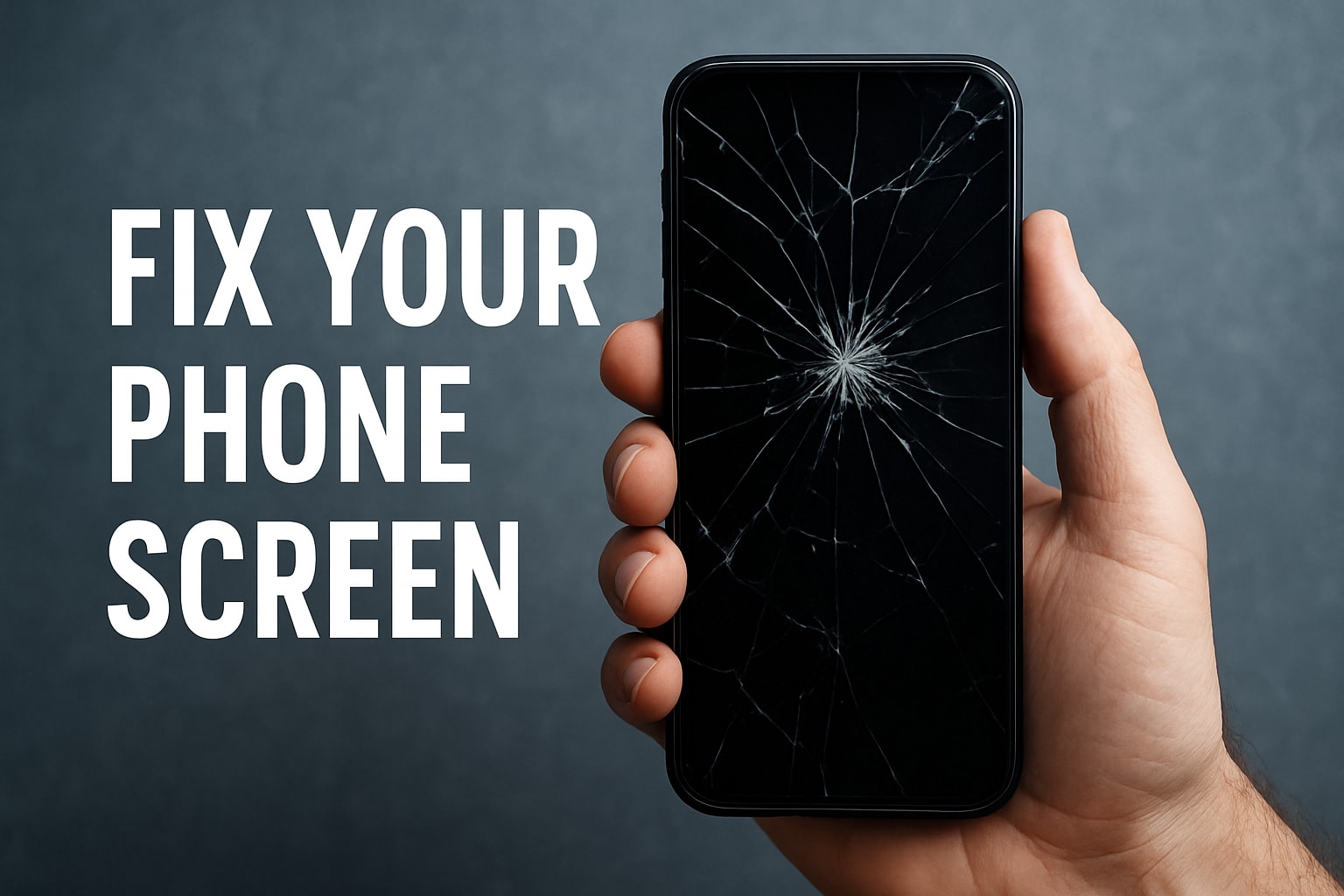
- Spiderweb cracks: Multiple intersecting cracks covering a large portion of the screen.
- Deep fractures: Severe breaks that affect both glass and internal display.
- Shattered screens: Glass broken into many pieces, often still held together by the screen protector.
- LCD/AMOLED damage: Display showing lines, black spots, or colour distortions.
- Touchscreen failure: The screen does not respond to touch or has dead spots.
- Water damage: Moisture under the glass causing fogging or display issues.
- Dead pixels: Small areas where the screen does not display correctly.
For example, recent drop tests show that the iPhone 15 Pro Max and Samsung Galaxy S24 Ultra are both susceptible to spiderweb cracks after a single fall onto concrete. Knowing what type of damage your device has will guide you as you fix your phone screen.
How to Assess the Severity of Screen Damage
To fix your phone screen efficiently, start with a careful assessment. Begin with a visual inspection:
- Look for visible cracks, lines, or discolouration.
- Check for missing glass pieces or sharp edges.
- Use a bright light to see subtle damage.
Next, test the function:
- Swipe and tap across all areas to check for unresponsive spots.
- Observe colour clarity and brightness.
- Watch for flickering, ghosting, or blacked-out sections.
For a more detailed check, use diagnostic apps available in 2025. These apps can quickly test touch sensitivity, display quality, and even identify water damage. Remember, if the damage is only cosmetic, your phone might still be usable. However, functional issues mean it is time to fix your phone screen to avoid further complications.
Risks of Using a Damaged Screen
Continuing to use a damaged device can turn a small issue into a major problem. When you delay the decision to fix your phone screen, you face several risks:
- Cracks can spread, making the repair costlier.
- Tiny glass splinters may cause injuries while swiping.
- Electrical shorts can happen if cracks reach internal components.
- Your phone may lose its water resistance, exposing it to further damage.
- Resale value drops significantly with visible screen issues.
- Complete screen failure increases the risk of sudden data loss.
A recent survey found that 65 percent of users put off repairs, often resulting in more expensive fixes later. These risks highlight why it is important to fix your phone screen as soon as possible.
When to Repair vs. Replace Your Device
Deciding whether to fix your phone screen or buy a new device can be challenging. Start with a cost-benefit analysis:
- Compare the repair cost with the price of a new phone.
- Check if your device is still under warranty or insurance.
- Consider the availability of replacement parts for your model in 2025.
- Think about the environmental impact of replacing versus repairing.
Some phones, like the iPhone 17, have high repair costs but are still cheaper to fix than replace. New Zealand consumers are also becoming more aware of repairability, with resources like Consumer NZ’s mobile phone repairability testing helping users make informed choices. Ultimately, if your phone is relatively new and the damage is not extensive, it is usually smarter to fix your phone screen rather than replace the entire device.
Key Insights and Takeaways
Early intervention is key when you need to fix your phone screen. Not all screen issues require a full replacement, and many can be resolved with a cost-effective repair. In New Zealand, the rising price of new devices is driving more people to opt for repairs instead of upgrades.
By assessing the type and severity of damage, understanding the risks, and knowing when to repair or replace, you can save money and extend the life of your device. The New Zealand market is seeing higher repair rates, reflecting a shift towards smarter, more sustainable tech habits. Fix your phone screen promptly to avoid unnecessary stress and expense.
DIY Phone Screen Repair: Tools, Parts, and Step-by-Step Process
Cracked screens can be daunting, but with the right knowledge, many New Zealanders find they can fix your phone screen at home and save money. This section walks you through the latest tools, safe preparation, detailed repair steps, and key considerations for 2025 DIY repairs.
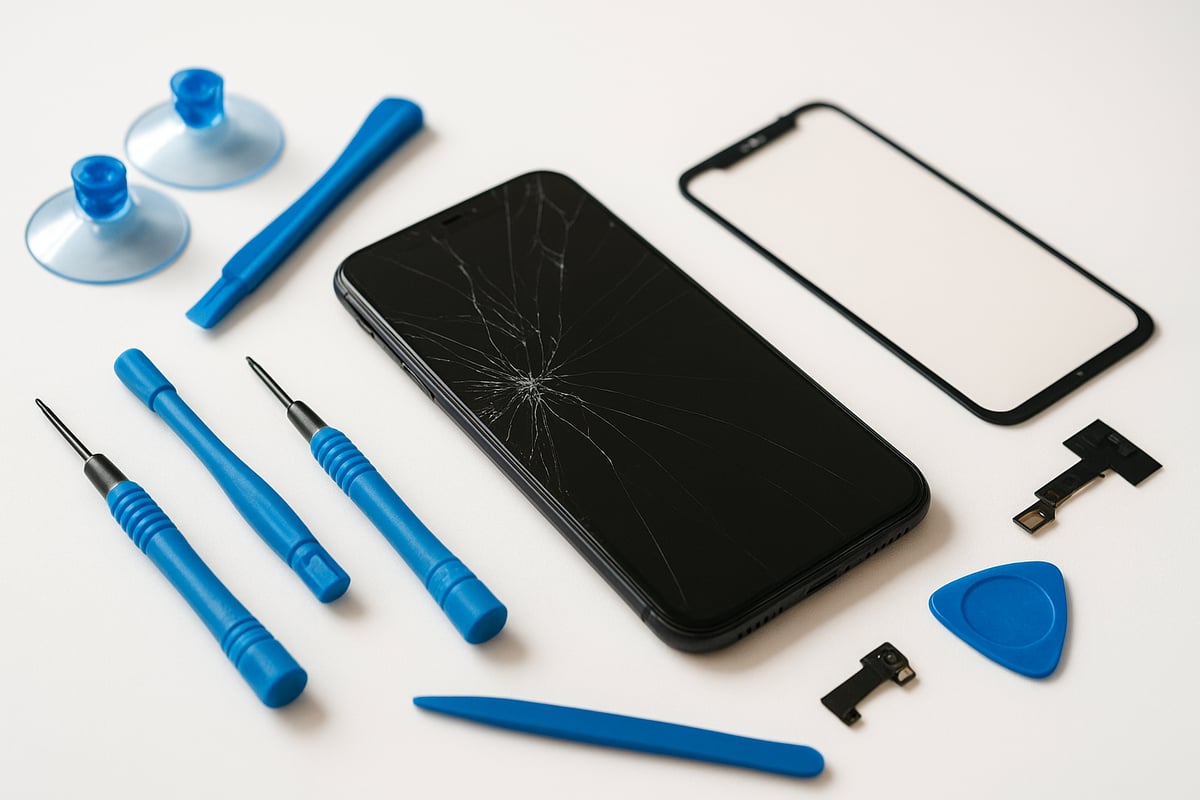
Essential Tools and Parts for 2025 Repairs
To fix your phone screen successfully in 2025, you will need a set of precision tools and quality parts. Start with a precision screwdriver kit designed for smartphones, including pentalobe and tri-point bits for newer Apple and Samsung models. Suction cups and spudgers are crucial for safely separating the screen from the frame.
Recent innovations, such as UV-cured adhesives, provide stronger, longer-lasting bonds and improve water resistance. Anti-static wristbands reduce the risk of damaging sensitive components. When selecting a replacement screen, consider OEM parts for guaranteed compatibility, or high-quality aftermarket parts for cost savings.
For best results, purchase parts from reputable NZ suppliers who offer warranties and clear return policies. Many Kiwi retailers now stock advanced adhesives and sealants tailored for 2025 phone models. Always check that your toolkit includes safety glasses and gloves to protect against glass shards while you fix your phone screen.
Preparing for a Safe DIY Repair
Before you fix your phone screen, preparation is essential for safety and success. Power down your device and back up all important data to cloud storage or a computer. This protects your information in case of accidental damage during repair.
Organise your workspace by clearing a table, ensuring it is static-free and well-lit. Lay out your tools and parts for easy access. Wear gloves and safety glasses to avoid injury from broken glass. Review the latest manufacturer repair guides and instructional videos, as 2025 models may have unique assembly features or adhesives.
Check your device’s warranty status before attempting to fix your phone screen. Opening the device may void manufacturer warranties, so consider the risks. If you feel uncertain, consult a professional or seek advice from online repair communities. A careful and organised approach helps ensure a smooth DIY repair process.
Step-by-Step Guide: Replacing a Cracked Screen
Ready to fix your phone screen? Here is a step-by-step guide:
- Remove the SIM tray and power off your device.
- Unscrew and carefully open the device, using model-specific tips for hidden screws or adhesive strips.
- Disconnect the battery and screen connectors to prevent electrical hazards.
- Gently lift the damaged screen using a suction cup and spudger, working slowly around the edges.
- Clean the frame thoroughly, removing all old adhesive to ensure a proper seal for the new screen.
- Install the new screen, aligning flex cables and connectors with care.
- Before sealing, test your device to confirm the new screen works and that touch response is normal.
- Reseal and reassemble the phone, securing all screws and checking for gaps.
If you encounter issues like a non-responsive screen or display glitches, double-check connector alignment and adhesive application. For reference, replacing an iPhone 16 screen at home typically takes 45–90 minutes, with moderate difficulty. Follow each step closely to successfully fix your phone screen and restore full functionality.
Pros and Cons of DIY Repair
Choosing to fix your phone screen yourself has clear advantages, such as significant cost savings and the satisfaction of solving the problem independently. It allows you to select quality parts and control the repair process.
However, DIY repairs carry risks. Inexperience can lead to further damage, especially with new models requiring advanced tools or delicate handling. Some repairs, such as those for foldable screens, may be beyond beginner skill levels. Additionally, opening your device can void warranties and impact future support.
In New Zealand, surveys show that DIY repair success rates are highest for standard models with widely available parts. Weigh these pros and cons carefully before you fix your phone screen.
When DIY Isn’t Recommended
There are situations where attempting to fix your phone screen at home is ill-advised. Complex devices, like foldables or those with curved screens and in-display fingerprint sensors, often require specialist tools and experience. If you lack the proper tools, training, or confidence, a DIY attempt could worsen the damage or compromise data privacy.
DIY repair may also void your warranty or violate consumer protection laws if not performed correctly. In such cases, it is wise to seek help from a professional service. For trusted repairs and genuine parts, consider using EGIFTS phone screen repair services, which are well-regarded across New Zealand for expertise and warranty-backed work.
Example Scenarios and Outcomes
Imagine a Samsung S25 owner who decides to fix your phone screen at home. By following guides and using quality parts, they complete the repair successfully in under an hour, saving hundreds compared to a professional service.
In contrast, another user attempts a screen replacement on a newer iPhone, but improper cable alignment leads to a non-responsive touchscreen. They must then pay for additional repairs, increasing the total cost.
Comparing DIY and professional repair, the DIY route offers savings and convenience for straightforward jobs, but the risk of complications is higher without proper preparation. Always assess your device, your skills, and the available resources before you fix your phone screen.
Professional Phone Screen Repair: What to Expect in 2025
Fix your phone screen professionally in 2025 and you will find a landscape that is more advanced and customer-focused than ever. With new repair technologies, increased transparency, and evolving consumer rights, Kiwis have more options and better outcomes for their devices. Understanding what to expect helps you make informed choices and safeguard your investment.
Choosing a Reputable Repair Service
Selecting the right service to fix your phone screen is crucial for quality and peace of mind. Look for providers with official qualifications, such as Apple or Samsung authorisation, or strong independent credentials. Always check customer reviews from sources like NZ Consumer NZ or Google.
A reputable shop will offer warranties on both parts and labour, as well as clear turnaround times. Same-day, mail-in, and mobile repair services are increasingly popular, but always ask about price transparency to avoid hidden fees. For a deeper look at modern repair strategies, see The Smart Way to Handle Phone Repairs in 2025.
The Professional Repair Process Explained
When you fix your phone screen through a professional service, expect a structured process. It starts with an initial assessment and a detailed quote. Good providers prioritise your data privacy, offering backup options and secure handling of your information.
Technicians use specialised equipment to disassemble your device and replace the screen with precision. Quality control checks are performed before reassembly, ensuring your phone functions as expected. At handover, you will receive warranty documentation and advice on post-repair care.
Costs and Value: 2025 Price Guide
Understanding the cost to fix your phone screen helps you budget wisely. Prices vary by device, part quality, and repair complexity. For example, an iPhone 17 screen repair may range from $450 to $650, while a Samsung Z Fold 7 could cost upwards of $800 due to advanced parts.
| Device Model | Typical Repair Cost | OEM/Third-Party Parts | Insurance Excess |
|---|---|---|---|
| iPhone 17 | $450–$650 | Yes/Yes | $100–$300 |
| Samsung Z Fold 7 | $800–$1200 | Yes/Limited | $200–$400 |
Insurance may cover part of the cost, but check your policy for details. OEM parts offer reliability, while third-party parts may reduce costs but could impact performance and warranty.
Risks and Limitations of Professional Repair
While experts can fix your phone screen with precision, some risks remain. Non-genuine parts may be used in less reputable shops, affecting quality and longevity. Data security is a concern if devices are not handled properly.
Delays can occur due to part shortages, especially for newer models. Warranty coverage may be limited for older devices. Under the NZ Consumer Guarantees Act, you have rights to quality service and genuine repairs. Always confirm these aspects before proceeding.
How to Prepare Your Device for Professional Repair
Before handing over your phone, follow these steps to ensure a smooth process:
- Backup all data to the cloud or a computer.
- Remove SIM and memory cards.
- Disable security locks (PIN, Face ID) and sign out of your accounts.
- Note the device’s condition and any accessories included.
- Clearly communicate any specific issues or symptoms.
A clear checklist helps technicians fix your phone screen efficiently and protects your data and privacy.
EGIFTS: Trusted NZ Phone Screen Repair & Accessories
EGIFTS is a leading choice for Kiwis who need to fix your phone screen. As an Apple authorised service provider, EGIFTS guarantees genuine parts, skilled technicians, and warranty-backed repairs.

Customers enjoy fast turnaround, transparent pricing, and responsive local support. EGIFTS also stocks a wide range of quality accessories, making it easy to prevent future damage. Trusted by New Zealanders for over a decade, EGIFTS delivers a blend of convenience, expertise, and peace of mind for all your phone repair needs.
Advanced Screen Repair Technologies and Trends in 2025
As the need to fix your phone screen becomes increasingly common, 2025 brings a wave of advanced technologies and evolving trends that are reshaping how New Zealanders approach screen repair. Staying informed about these innovations can help you make smarter decisions, whether you are a DIY repairer or prefer professional services.
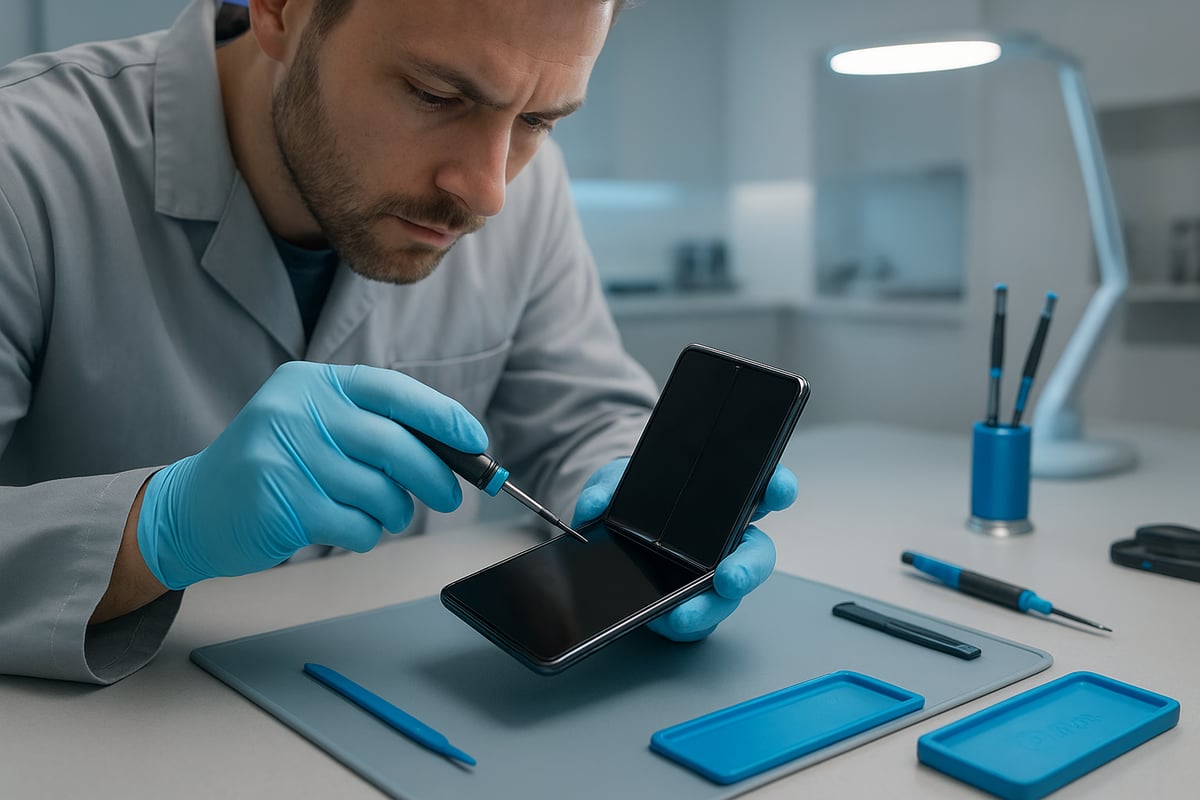
New Materials and Display Technologies
Modern smartphones now feature robust and innovative materials to help fix your phone screen more effectively. Foldable, rollable, and flexible OLED screens are appearing in flagship models, offering both versatility and durability. Ceramic Shield and Gorilla Glass Victus 3 provide enhanced drop resistance, while self-healing coatings—launched in select 2025 models—can repair minor scratches over time.
For example, the Samsung Z Fold 7 and iPhone 17 Pro Max showcase these advancements, but also introduce new repair challenges. These materials increase durability, yet they require specialised knowledge when you need to fix your phone screen, often leading to higher repair costs and more complex procedures.
Innovations in Screen Repair Tools
To fix your phone screen efficiently in 2025, repairers now use advanced tools and techniques. Laser separation machines safely detach glued screens, reducing the risk of damage during disassembly. UV-curing adhesives and automated alignment tools ensure a precise, long-lasting fit for replacement screens.
Micro-soldering equipment is essential for restoring advanced displays, especially on foldable or curved models. AI-assisted diagnostic tools quickly identify screen issues, streamlining the repair process. Many New Zealand repair shops have adopted these innovations, making it easier and safer to fix your phone screen, even on the latest devices.
Eco-Friendly Repair and Recycling Initiatives
Eco-friendly practices are gaining momentum as more people choose to fix your phone screen instead of replacing their devices. Screen recycling programmes in New Zealand are expanding, allowing damaged glass and displays to be reused or safely disposed of. Refurbished screens and parts help reduce electronic waste, benefiting both the environment and your wallet.
Manufacturers now offer take-back schemes and publish repairability scores for new models, empowering consumers to make greener choices. For instance, Apple’s Self Service Repair programme and recycling initiatives have improved access to genuine parts and responsible disposal options when you fix your phone screen.
The Rise of On-Demand and Mobile Repair Services
Convenience is a driving force for those needing to fix your phone screen quickly. Mobile repair vans and at-home repair services are widely available across New Zealand. Customers can book appointments through apps or online platforms, with technicians arriving at your location to complete repairs on the spot.
These services offer same-day solutions, reducing downtime and making it easier to keep your device in top shape. While on-demand repairs are highly convenient, it is important to consider quality control and technician expertise when choosing this option to fix your phone screen.
Future Outlook: What’s Next for Phone Screen Repair?
Looking ahead, the future of how you fix your phone screen is set to evolve rapidly. Self-healing screens and modular phone designs may soon become mainstream, making repairs quicker and more cost-effective. E-waste reduction will remain a priority, supported by new laws in New Zealand that strengthen your right to repair.
According to the global smartphone repair market forecast 2025-2033, the industry is expected to grow significantly, driven by innovation and consumer demand. By understanding these trends, you can make informed choices to fix your phone screen and extend your device’s lifespan.
Preventing Future Screen Damage: Tips, Accessories, and Best Practices
Keeping your phone screen intact is easier and more cost-effective than repairing it later. By making smart choices with accessories and habits, you can significantly reduce the risk and expense when you do need to fix your phone screen. Let’s explore practical strategies every New Zealander should know.
Choosing the Right Screen Protector and Case
Selecting the best screen protector and case is the first step to prevent having to fix your phone screen. In 2025, options include tempered glass, privacy filters, matte finishes, and camera lens protectors, each designed for specific needs. For the latest devices, ensure accessories are fully compatible with new features and screen sizes.
Drop and scratch protection statistics consistently show that high-quality tempered glass protectors and rugged cases absorb impacts effectively. For iPhone users, consider reviewing the iPhone screen protectors guide to find the most suitable option for your device. Samsung owners can also browse Samsung phone cases for protection for tailored recommendations.
A well-matched case and protector combination not only prevents cracks but also helps maintain device resale value if you ever need to fix your phone screen.
Daily Habits to Protect Your Phone Screen
Daily routines play a crucial role in extending your device’s lifespan and reducing the chances you’ll need to fix your phone screen. Avoid using your phone in risky environments like beaches, construction sites, or crowded public spaces where drops are more likely.
Carry your phone in a padded pocket or secure compartment in your bag. Use pop sockets or grips for better handling, especially with larger devices. Clean your screen gently with a microfibre cloth, avoiding harsh chemicals that can damage modern screen coatings.
Consistent care minimises the risk of accidental drops and keeps your device looking new, making it far less likely you’ll need to fix your phone screen unexpectedly.
Insurance and Warranty Options in NZ
Insurance and warranty coverage provide peace of mind if you ever need to fix your phone screen. Many NZ providers offer device insurance that covers accidental damage, including cracked screens. Compare manufacturer warranties, which often require repairs at authorised centres, with third-party options that may offer faster claims or broader coverage.
Understand the claim process, including excess amounts and exclusions. Data from 2024 shows that claim rates for screen damage remain high, reflecting how common this issue is for Kiwi users.
By choosing the right insurance or warranty, you ensure that when you fix your phone screen, the process is affordable and stress-free.
Repair vs. Replacement: Environmental and Financial Considerations
When faced with a damaged screen, deciding whether to fix your phone screen or replace the whole device comes with both environmental and financial implications. Repairing a screen typically produces a much smaller carbon footprint than manufacturing a new phone.
Timely repairs can extend your device’s lifespan by two years or more, reducing e-waste and saving you hundreds of dollars. E-waste reduction initiatives in New Zealand encourage consumers to repair rather than replace whenever practical.
Choosing to fix your phone screen supports sustainability and can help you make the most of your investment.
Accessory Recommendations for 2025
The right accessories in 2025 go beyond basic protection, helping you avoid ever needing to fix your phone screen. Look for the latest screen protectors with anti-microbial and anti-glare coatings, and rugged cases that are compatible with wireless charging.
Check for accessories specifically designed for your model, including camera lens protectors and reinforced corners. Trusted retailers in NZ offer top-rated products for iPhone and Samsung devices, ensuring you get reliable performance and peace of mind.
Investing in high-quality accessories now is a smart way to protect your phone and avoid costly repairs in the future.
EGIFTS Trusted By Kiwis Over A Decade In New Zealand. Most reliable phone accessories and repair shop. We stock all the products in Auckland Warehouse updating lasted awesome gadgets everyday. We are also APPLE authorized independent repair provider.
Please check the links for more detail on our website.
About the author : william yan